
 Call us:



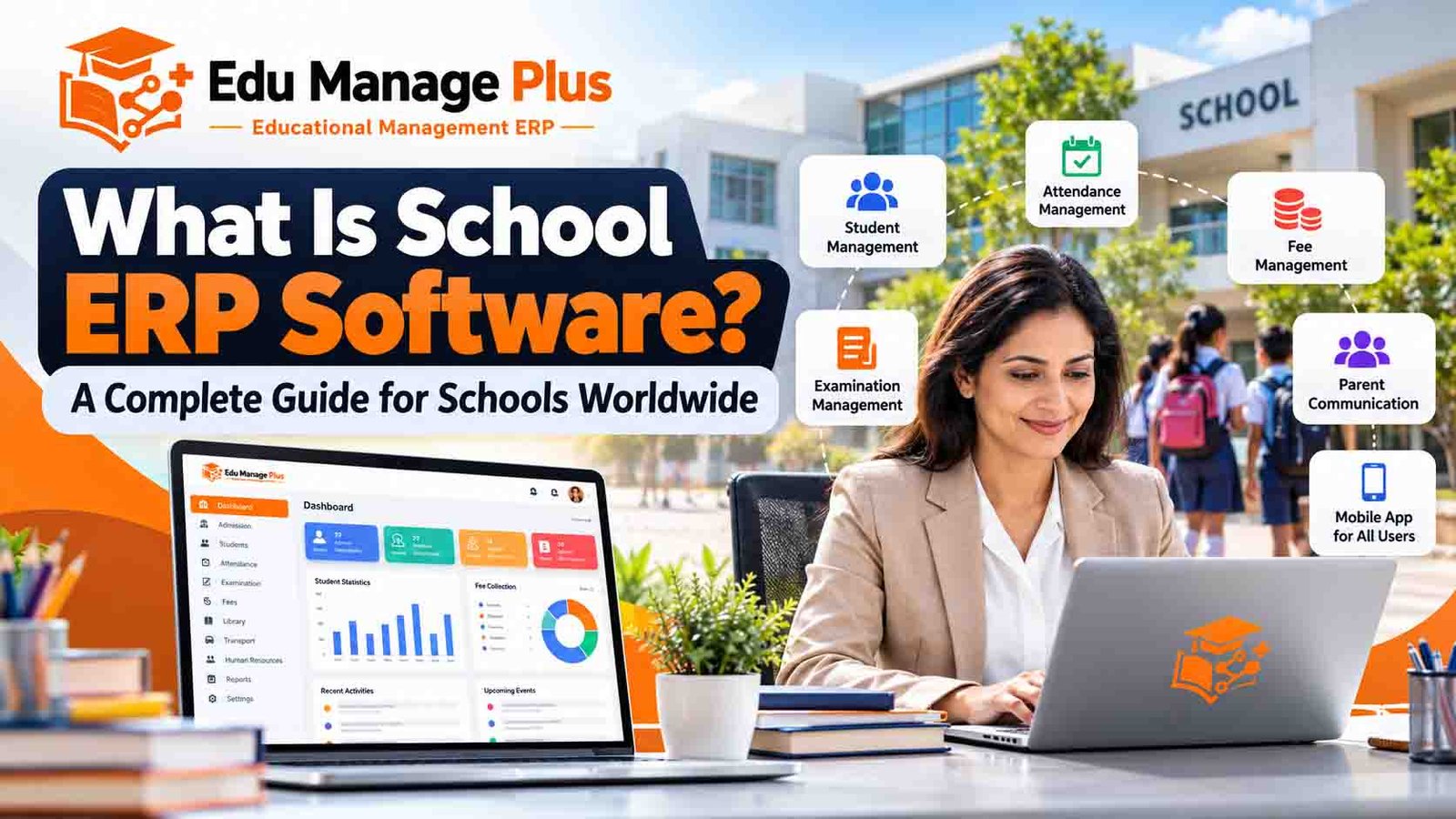
What Is School ERP Software? A Complete Guide for Schools Worldwide
Managing a school involves much more than teaching students. School administrators must handle admissions, student records, attendance, fee collection, examinations, staff management, parent communication and daily administrative operations.
When these activities are managed using separate spreadsheets, paper registers and disconnected applications, information becomes difficult to organize, administrative work increases, and communication can become inefficient.
School ERP software helps educational institutions bring these activities together in one integrated digital platform.
In this guide, we explain what school ERP software is, its essential features, its benefits, how it works, and how schools can choose the right solution for their needs.
What Is School ERP Software?
School ERP software stands for School Enterprise Resource Planning software. It is an integrated software system that helps schools manage their administrative, academic, financial and operational activities through a centralized platform.
Depending on the solution, it can connect students, parents, teachers, school administrators, accountants and management teams through a web portal and mobile applications.
Instead of maintaining separate systems for admissions, attendance, fees and examinations, schools can manage these activities through connected modules.
A school ERP system can help institutions:
Maintain student admission records and profiles.
Record student and staff attendance.
Manage school fees, invoices and payment records.
Organize examinations, marks and report cards.
Manage timetables, homework and academic activities.
Maintain employee information, leave and payroll.
Communicate announcements and notifications to parents.
Manage transport, library and hostel operations where supported.
Access operational reports for better decision-making.
The exact features depend on the software provider and the institution's subscription or implementation plan.
Why Do Schools Need ERP Software?
As a school grows, its administrative responsibilities also increase. Managing hundreds or thousands of student records manually can consume significant time and create avoidable errors.
School ERP software can help address common operational challenges.
1. Manual student record management
Paper-based records and scattered spreadsheets can make it difficult to retrieve student information quickly.
A centralized student information system helps authorized staff access admission details, class information, contact details and academic records from one place.
2. Complex fee management
Schools must maintain fee structures, payment histories, outstanding balances, receipts and reminders.
Fee management software can help automate calculations, organize transactions and generate reports. Online payment capabilities depend on the available payment gateway and configuration.
3. Attendance tracking challenges
Maintaining attendance registers across multiple classes can create additional administrative work.
A school ERP can help teachers record attendance digitally and allow authorized staff to review attendance summaries and generate reports.
4. Parent communication gaps
Parents need timely information about attendance, homework, examinations, fee dues, school notices and academic progress.
Integrated communication tools and parent applications can help schools share relevant updates more efficiently.
5. Examination and report card preparation
Examination planning, marks entry, result calculation and report card preparation can involve repetitive tasks.
An examination management module can organize assessment data and simplify result preparation according to the school's grading rules.
Essential Features of School ERP Software
A comprehensive school ERP solution should offer modules suited to the institution's requirements.
1. Student admission and information management
The student management module stores and organizes student profiles, admission details, class assignments, guardian information and academic records.
Depending on the system, schools may also manage admission enquiries, applications and enrollment workflows digitally.
2. Fee and finance management
The fee management module helps schools configure fee structures, record payments, track outstanding balances and issue receipts.
Look for support for applicable fee categories, discounts, concessions, payment reminders and financial reports. Online payment functionality should be verified during a product demonstration.
3. Attendance management
Attendance tools allow teachers or authorized staff to record student attendance and review daily, monthly or class-wise summaries.
Some solutions also provide staff attendance integration and notifications for parents.
4. Examination and academic management
Academic management features can include:
Examination scheduling.
Subject and marks management.
Grade and result calculations.
Report card generation.
Timetable management.
Homework and assignment tracking.
Schools should verify that the system supports their curriculum, assessment structure and reporting requirements.
5. Parent, student and teacher applications
Mobile applications can give different users access to relevant information.
For example, parents may view attendance, fee information and school announcements, while teachers may manage attendance, homework and marks.
Role-based access is important so users can see only the information relevant to their responsibilities.
6. Staff, HR and payroll management
Staff management modules can maintain employee records, attendance, leave applications, salary calculations and payslips.
Before choosing a system, confirm whether payroll supports local statutory requirements, currencies and salary rules applicable to your country.
7. Transport management
Schools that operate buses may need route allocation, vehicle information, driver details and student transport records.
GPS tracking and real-time vehicle monitoring should be confirmed separately, as these capabilities are not included in every ERP system.
8. Reports and analytics
Management reports help administrators review enrollment, attendance, fee collection, academic performance and other operational indicators.
Useful reports should be accurate, easy to export where required, and accessible only to authorized users.
Benefits of School ERP Software
Saves administrative time
Automating repetitive tasks can reduce duplicate data entry and help staff complete routine activities more efficiently.
Improves information organization
Centralized records make it easier for authorized users to locate information and maintain consistent student and staff data.
Supports better financial visibility
Fee collection reports and outstanding balance summaries help administrators understand the school's financial position.
Improves communication with parents
Digital notices, reminders and mobile applications can make it easier to share important information with families.
Supports informed decision-making
Reports and dashboards can help school management identify operational issues and monitor progress.
Enables access to information remotely
Cloud-based school ERP software can allow authorized users to access the platform from different locations, subject to connectivity, security controls and the provider's hosting arrangements.
Supports school growth
A well-designed system can help standardize processes as student enrollment increases or an institution adds new classes or campuses.
Actual results depend on implementation quality, staff adoption, data accuracy and the features available.
Cloud-Based School ERP vs Traditional School Management
Traditional school management often relies on registers, spreadsheets and disconnected software tools. A cloud-based ERP provides an integrated alternative.
| Area | Traditional approach | Cloud-based school ERP |
|---|---|---|
| Student records | Registers and separate files | Centralized digital records |
| Attendance | Manual registers or spreadsheets | Digital attendance tools |
| Fee tracking | Manual calculations and ledgers | Configurable fee management |
| Parent communication | Paper notices and individual calls | Digital notices and notifications |
| Reports | Manual compilation | System-generated reports |
| Access | Often tied to physical records or local systems | Remote access for authorized users |
| Data security | Depends on local practices | Depends on provider security and configuration |
A cloud platform is not automatically secure or error-free. Schools should assess backups, access permissions, encryption, incident response, data export and recovery procedures before choosing a provider.
How Much Does School ERP Software Cost?
The cost of school ERP software depends on the provider, student enrollment, required modules, implementation complexity, mobile applications, hosting and support.
Common pricing models include:
One-time licensing: A school pays an upfront software fee, with hosting, upgrades or maintenance potentially charged separately.
Subscription pricing: A school pays monthly or annually for access to the software and the services included in the subscription.
Per-student pricing: Charges are calculated according to enrollment, sometimes with a separate implementation fee or annual maintenance charge.
Customized deployment: Institutions requiring specialized workflows, integrations, branding or additional modules may need a separate quotation.
When comparing proposals, ask for a clear breakdown of implementation, training, hosting, maintenance, data migration, payment gateway fees and renewal charges.
How to Choose the Right School ERP Software
Before purchasing a system, evaluate the following areas.
Required features: Confirm that the software supports your school's admissions, attendance, fee, academic and staff management processes.
Ease of use: Ensure teachers and administrators can use the system without unnecessary complexity.
Mobile applications: Check which applications are available for students, parents, teachers and administrators.
Security and privacy: Review role-based permissions, backups, data handling and applicable privacy requirements.
Customization: Determine whether the provider can support your school's fee structures, grading system, language and workflows.
Implementation and training: Ask about data migration, onboarding, staff training and implementation timelines.
Support: Understand support hours, response times, maintenance and upgrade arrangements.
Total cost: Compare the complete cost over multiple years rather than considering only the initial price.
Scalability: Check whether the system can support your anticipated student enrollment and campus requirements.
Product demonstration: Request a live demonstration using workflows relevant to your school.
Is Edu Manage Plus Suitable for Your School?
Edu Manage Plus is a cloud-based educational management ERP developed by AIONINNO Technologies Private Limited.
The platform is designed to help educational institutions organize important school operations through integrated management features.
Depending on the selected configuration, its feature set includes:
Student and admission management.
Fee management and collection records.
Attendance and examination management.
Timetable and academic management.
Staff and payroll management.
Parent, student and teacher mobile applications.
Transport, library and hostel management modules.
Schools evaluating Edu Manage Plus should request a demonstration to verify the modules, integrations, mobile app functionality, security arrangements and pricing relevant to their institution.
For schools outside India, it is particularly important to confirm local currency and payment requirements, language support, data hosting, privacy compliance and implementation support before entering into an agreement.
Frequently Asked Questions
What is the difference between school ERP and school management software?
The terms are often used interchangeably. School ERP generally refers to an integrated system connecting multiple administrative and academic functions, while school management software can refer to a broader range of school administration tools.
Can small private schools use school ERP software?
Yes. Many systems offer plans suitable for smaller schools. Institutions should compare pricing, ease of use and the modules they actually need.
Does school ERP software support parent mobile applications?
Some platforms offer parent applications with access to attendance, fee information, notices and academic updates. Schools should verify availability for Android and iOS and confirm which features are included.
Can school ERP software manage fees and examinations?
Many school ERP platforms include fee and examination modules. Available capabilities vary by provider, so schools should verify payment workflows, grading rules, result calculations and report card formats.
Is school ERP software available for international schools?
Yes. Schools in different countries can evaluate cloud-based school ERP solutions. They should check language support, local payment methods, data protection requirements and the provider's ability to support their educational processes.
How long does school ERP implementation take?
Implementation time depends on student enrollment, data quality, configuration, integrations, training and the number of modules involved. Ask the provider for a project-specific timeline.
How can a school get started with Edu Manage Plus?
Visit the Edu Manage Plus website and request a free demonstration. The team can walk you through relevant modules and discuss the requirements of your institution.
Conclusion
School ERP software can help educational institutions bring student information, fees, attendance, examinations, staff management and parent communication into a more organized digital workflow.
The right system should match the school's operational requirements, budget, security expectations and future growth plans.
If your school is exploring digital transformation, evaluate the available options carefully, compare the total cost of ownership and request a live demonstration before making a decision.
Ready to explore a school ERP solution?
Discover how Edu Manage Plus can support your school's administrative and academic operations.
Visit https://www.edumanageplus.com to learn more and request a free demo.
About Edu Manage Plus
Edu Manage Plus is an educational management ERP developed by AIONINNO Technologies Private Limited, with solutions designed to support school administration, academic workflows and communication among school stakeholders.